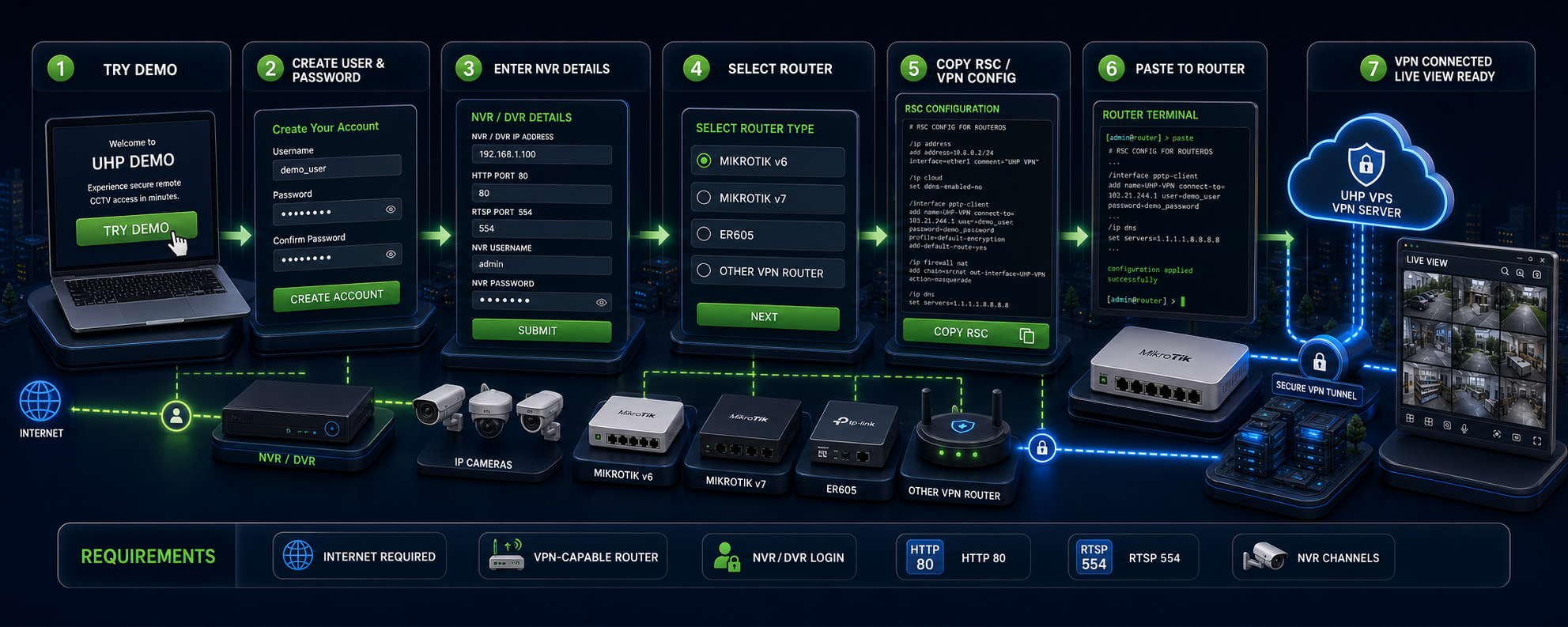
Fill this out using your current CCTV setup. After registration, your username/password opens your own demo page. Live view becomes ready after your VPN router is connected.
Demo Created: Choose Router Setup
Copy the setup for your router. MikroTik uses RSC. ER605 uses manual IPsec settings.
Payment Details
Scan any QR below, then upload your payment proof photo.
Payment ForUHP CCTV VPN Monthly Account
Payment ChannelInstaPay QR / Bank Transfer
Account NameJose Allan Dichoso / J Dichoso
ReferenceDemo account
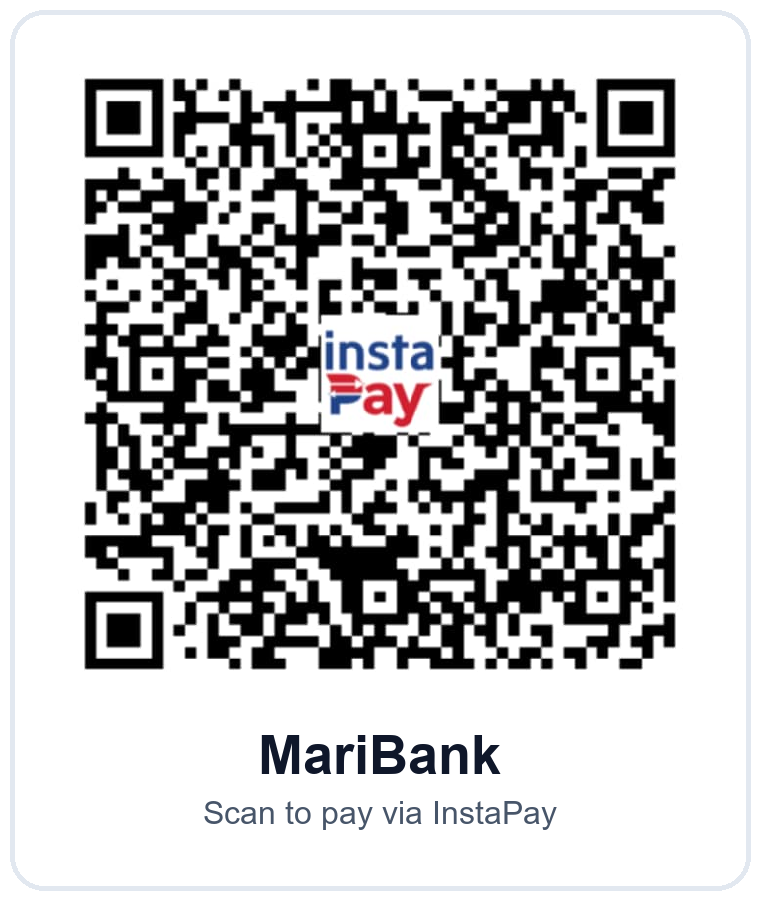 MariBank
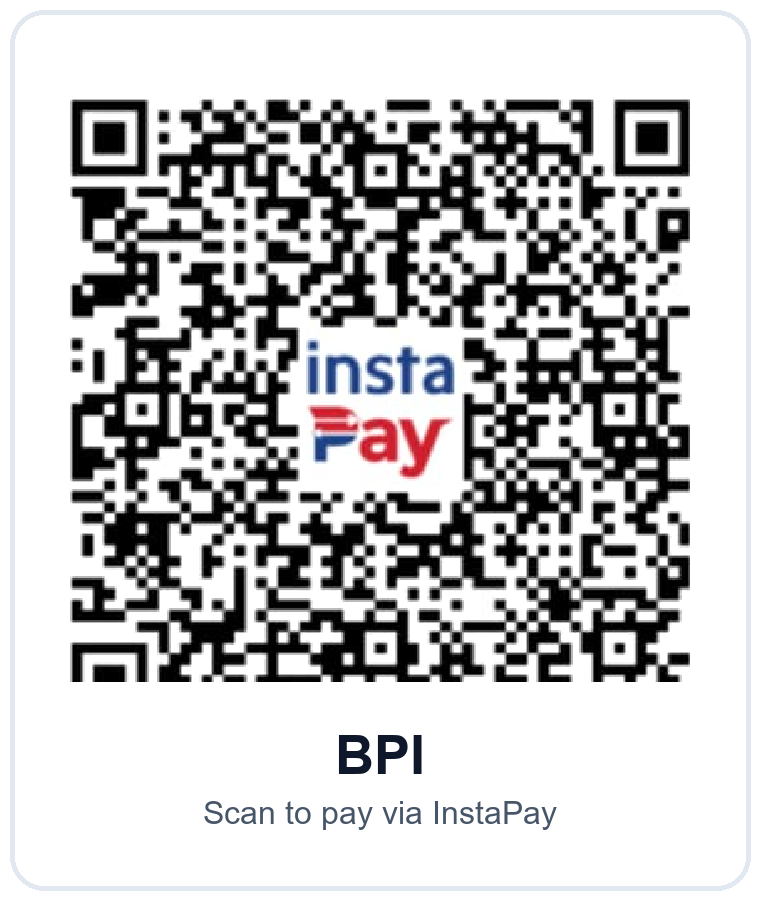 BPI
BPI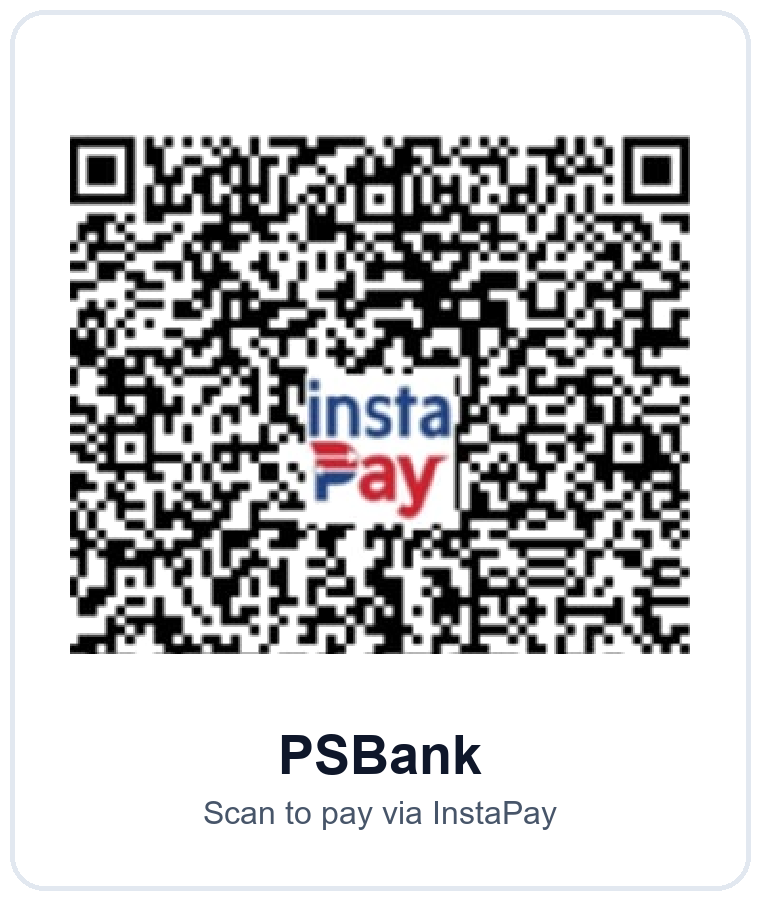 PSBank
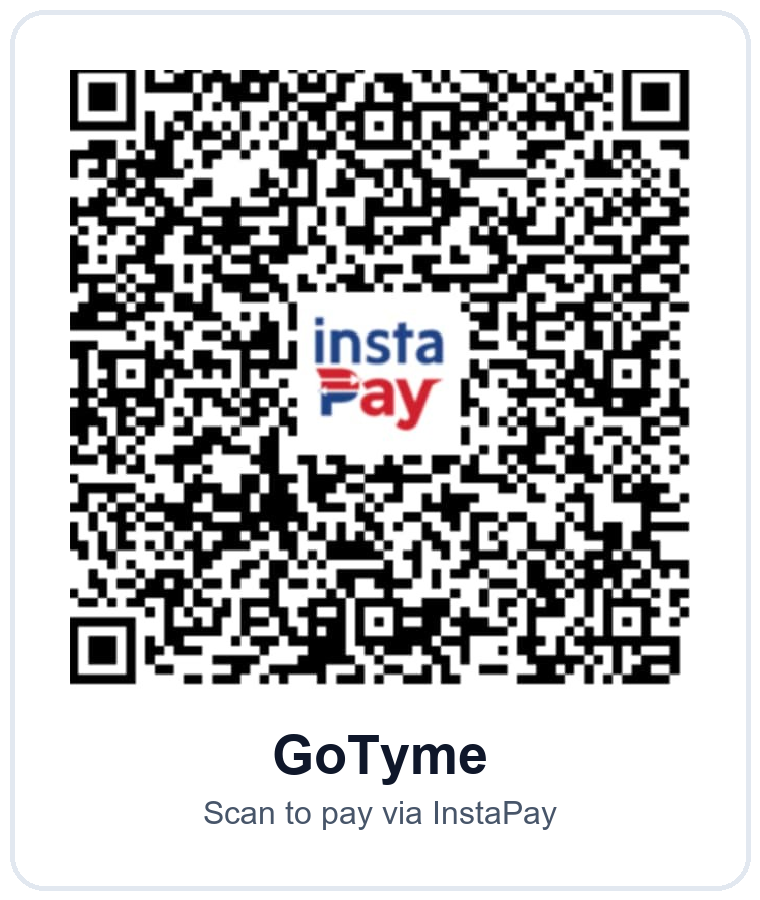 GoTyme
Connection Check
1. Choose your router setup above.
2. Apply it to MikroTik, ER605, or your VPN router.
3. Click "I CONFIGURED ROUTER - CHECK SETUP".
Waiting for router configuration.
Ready.